
Visited Countries
Mark the countries you have lived in, visited, passed through, or want to see.
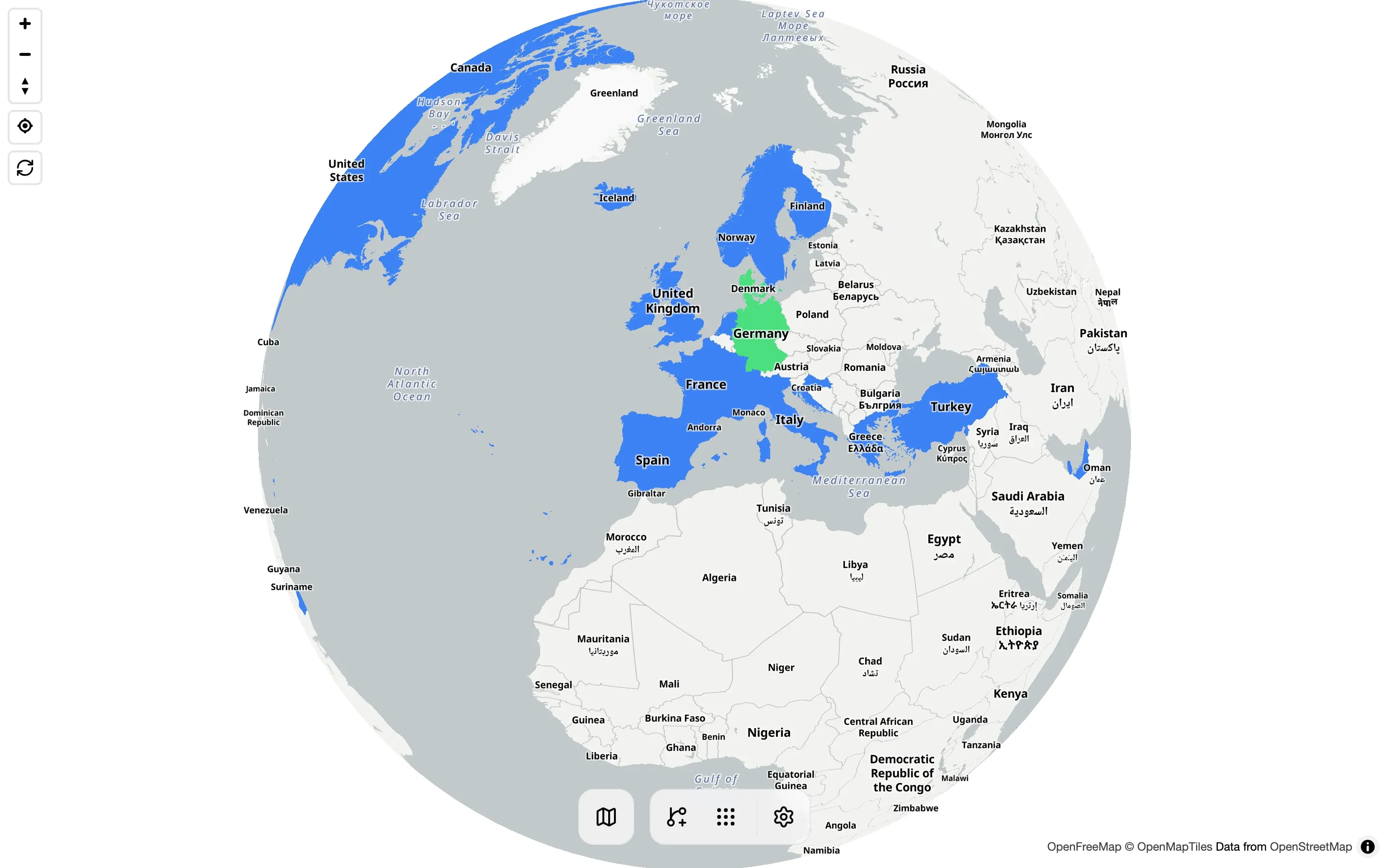
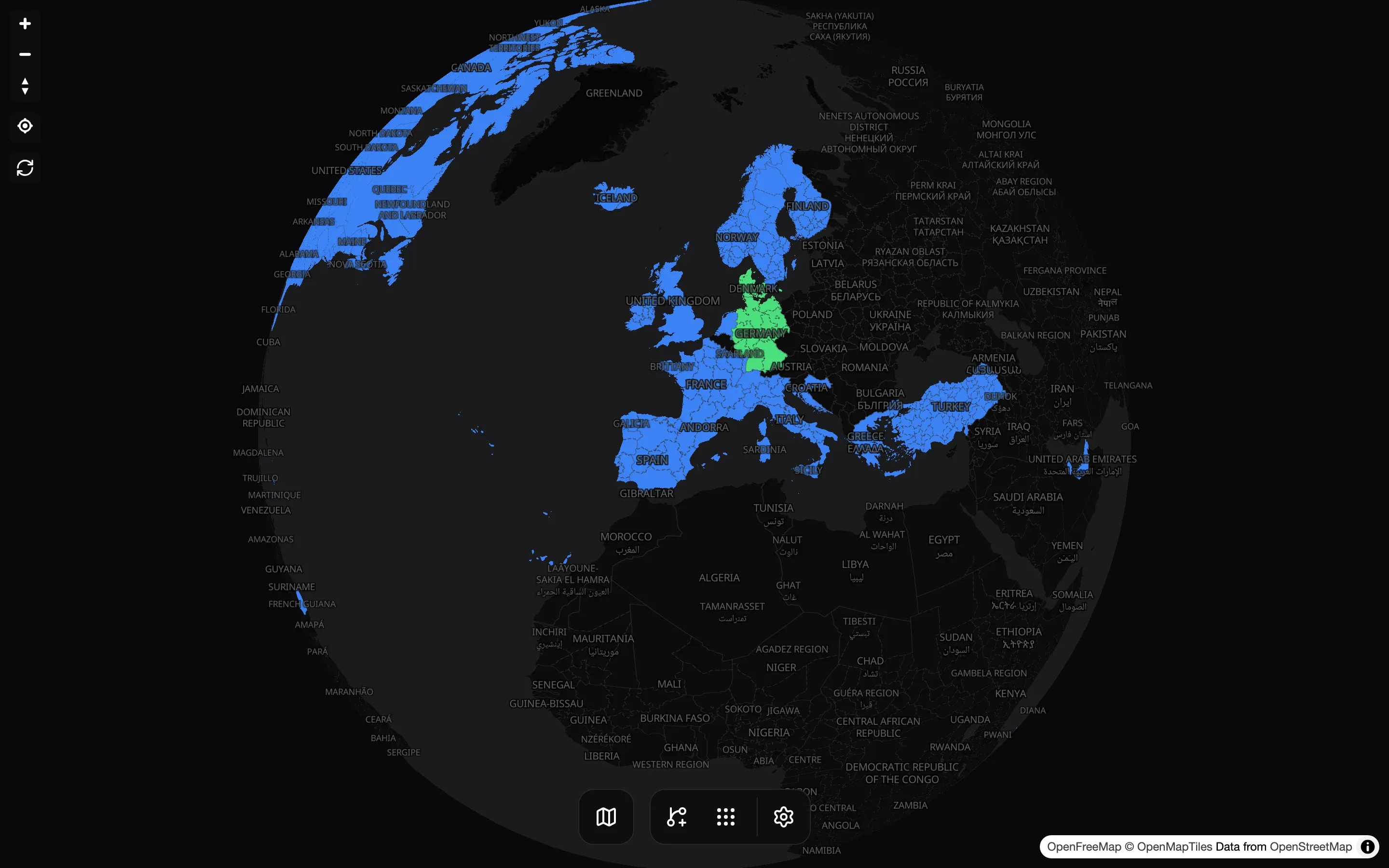
Visited countries is a personal world map where you color countries by status. It is separate from your flight log: AirTrail can fill it from your flights, but it never updates it on its own.
Open it from the More menu in the bottom navigation bar, then Visited countries. The page is available to users whose role includes the flight.read.own permission.
Statuses
Each country can have one status:
| Status | Map color | Typical use |
|---|---|---|
| Lived | Green | Countries you have lived in |
| Visited | Blue | Countries you have visited |
| Layover | Cyan | Countries you only passed through on a layover |
| Wishlist | Purple | Countries you want to visit |
Countries without a status are not colored. When the page loads, the map zooms to fit every country that has a status.
Getting started
When you open the page with no countries saved, a Welcome to your globe dialog asks how to start:
- Fill from your flights marks every country from your flights as Visited.
- Start from scratch opens an empty map.
Edit a country
- Click a country on the map.
- Select Visited, Lived, Wishlist, or Layover.
- Optionally, write a note.
- Click Save.
To remove a country, open it, click the selected status again to clear it, and click Save. Removing a country also deletes its note.
Import countries from flights
The Sync from flights button (the circular-arrows icon) in the top-left corner of the map adds countries from your flights at any time. AirTrail looks at the departure and arrival airport of every flight on which you are a passenger and marks each country as Visited.
Syncing never overwrites a country you have already saved. A country marked Lived or Layover keeps its status and note. Syncing does not remove countries either, so deleting a flight does not remove its countries from the map.
Syncing uses all of your flights, including flights with a date in the future. It cannot tell a layover from a visit, so change those countries to Layover yourself.
Data and export
Visited countries are stored per user and are not included in the flight export or in public shares.
API
Visited countries can also be managed with the v1 REST API or the MCP server:
| Method | Endpoint | Scope |
|---|---|---|
GET | /api/v1/visited-countries | visited_countries.read |
PUT | /api/v1/visited-countries | visited_countries.write |
DELETE | /api/v1/visited-countries?code=<code> | visited_countries.write |
PUT takes a two-letter country code, a status (lived, visited, layover, or wishlist), and an optional note of up to 1000 characters. It creates the country or replaces its status and note. Both scopes require the flight.read.own permission.
Last updated on